
CB7777 Game – Deposit and Withdraw
Welcome to the Deposit and Withdrawal Page of CB 777 Game. Users can add money to their gaming wallet and request withdrawals using the available payment methods. Pakistani users should check the payment options in their accounts because supported methods, limits, and processing times can change.
This guide covers how to deposit and withdraw money from CB777 Game, check transactions, and fix common payment issues.
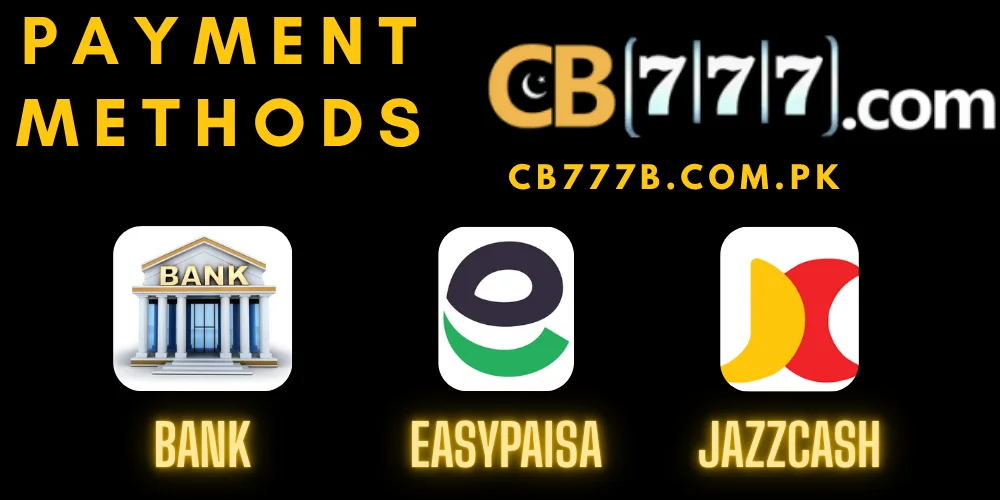
CB777 Payment Methods
Depending on availability, users may find different payment options in their CB7777 accounts, including:
Always check the payment section to confirm which methods are currently available before making a transaction.
How to Deposit Money in CB777 Game?
Follow these steps to add money to your account:
Check your payment details carefully before confirming the deposit.
How to Withdraw Money from CB777 Game?
If available, you can check your transaction status from your account.
Important Deposit and Withdrawal Points
Keep these points in mind before making a payment:
Deposit Not Showing?
If your deposit is not showing in your CB777 wallet, check whether the payment was completed successfully. Wait for the usual processing time and review your transaction details.
If your balance still does not update, contact CB777 customer support and provide the relevant transaction information.
Withdrawal Pending or Failed?
A withdrawal may be delayed due to payment processing, incorrect account details, verification checks, or other account requirements.
Check your withdrawal status and confirm that your payment details are correct. If the problem continues beyond the given processing time, contact customer support.
Final Words
The CB7777 Deposit and Withdrawal process is handled through your account’s wallet section. Users can choose an available payment method, enter the required details, and complete transactions by following the platform’s instructions.
Before making a deposit or withdrawal, always check the latest payment methods, transaction limits, processing times, and withdrawal conditions to avoid common payment issues.